See what changed in every version of a page#
The site builder's Version history now says what each version changed, like a section added or hidden, or a header setting switched. And when your team shares a page, Publish tells you first if it would also put live changes a colleague drafted and never published.
Add your own blocks to a section#
Sections in the site builder now have Add block: put an extra heading, paragraph, button, icon, trust badge, figure or a little space after a section's own words, edit it on the page, and move it up or down.
Bring your pages to life with Motion#
A new Motion setting in the site builder's Design panel. Subtle fades each section up as shoppers scroll and zooms competition pictures a little on hover. Expressive brings cards in one after another, lets hero pictures drift and fills buttons on hover. Shoppers who ask their device for less motion never see it.
Style a single heading or paragraph#
Click any heading, small line or paragraph in the site builder to give it its own size, alignment and colour, without changing the rest of the section. Auto puts it back to match your theme.
Choose how many competitions sit side by side on a phone#
Your competition list has a new Columns on Mobile setting: one card per row or two. Columns now sets the most cards across on a big screen, so a list set to two stays at two on desktop instead of spreading wider.
Social links are now in the website editor#
Your Facebook, Instagram, Discord and other links now sit with your header and footer in the website editor, where they show. Type a username or paste a link, press Save, and your site shows them straight away.
Open the website editor →Website editor: click anything to edit it, and try themes on#
Click a button, a headline, a badge or a picture on your page and the panel shows just that, with its link and style. Add a section above or below any other right on the page, switch a section's layout from thumbnails, and use Change theme to try a new look on your site before you pick it.
Open the website editor →Winners ticker: skip the small prizes#
Set a minimum prize value on the Announcement Ticker and its recent winners only include prizes worth at least that much, so your best wins are not buried under small credit wins. Leave it blank to show every winner.
Open the website editor →High Street: a new template, and catalogue cards#
A new High Street template gives your site the busy catalogue look UK players know: a grid of every competition, a countdown strip under each picture that turns red in the last day, the cash alternative, and a basket button on every card. Catalogue cards are also a Theme panel choice for any template.
Open the website editor →A new website editor, with templates made for competitions#
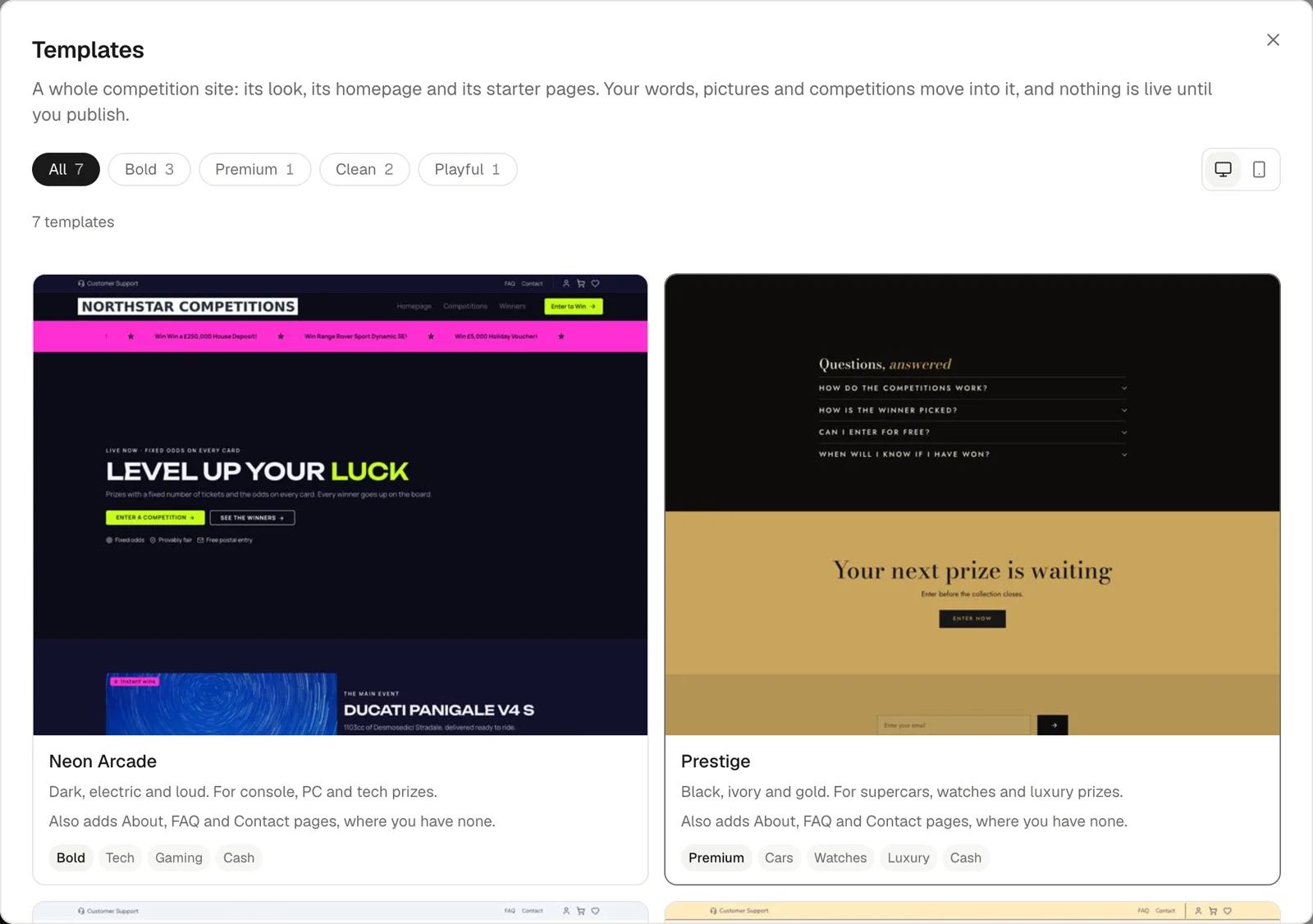
Website now opens a full-screen editor: pick a template built for prize competitions, change its colours, fonts and corners in one Theme panel, and edit text right on the page. Changes save as a draft as you go, with undo and a version history, and nothing reaches your live site until you publish.
 Open the website editor →
Banners and pop-ups#
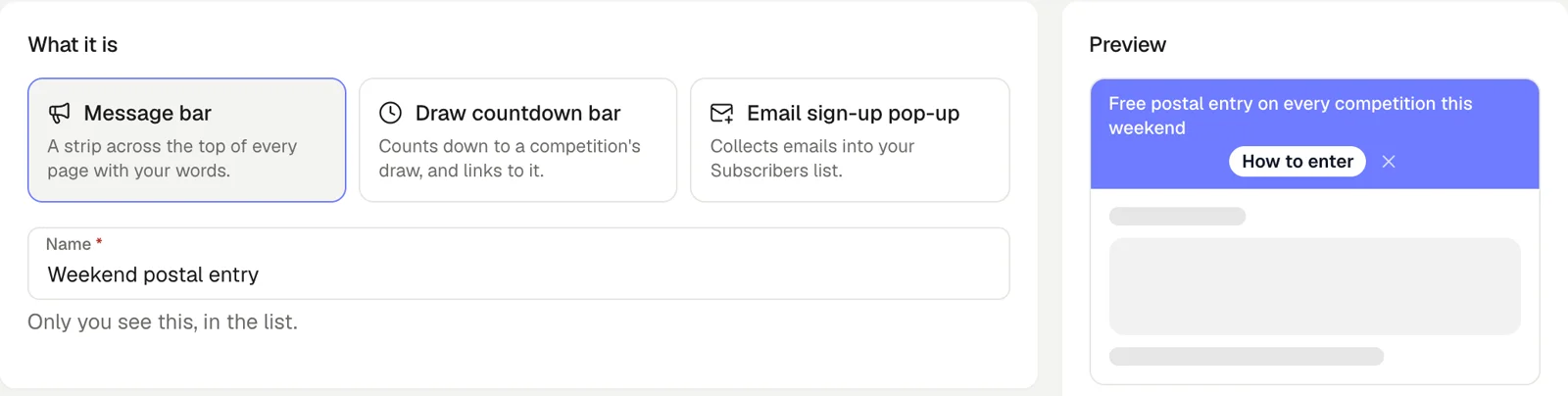
Run announcement bars, draw countdowns and email sign-up pop-ups across your site, each on its own schedule, from Marketing › Banners & Pop-ups.
 Create a banner →
A slide-out basket on your site#
Adding tickets now opens a basket that slides in from the side, with a floating basket button on every page, so players keep browsing instead of being sent to a separate basket page.
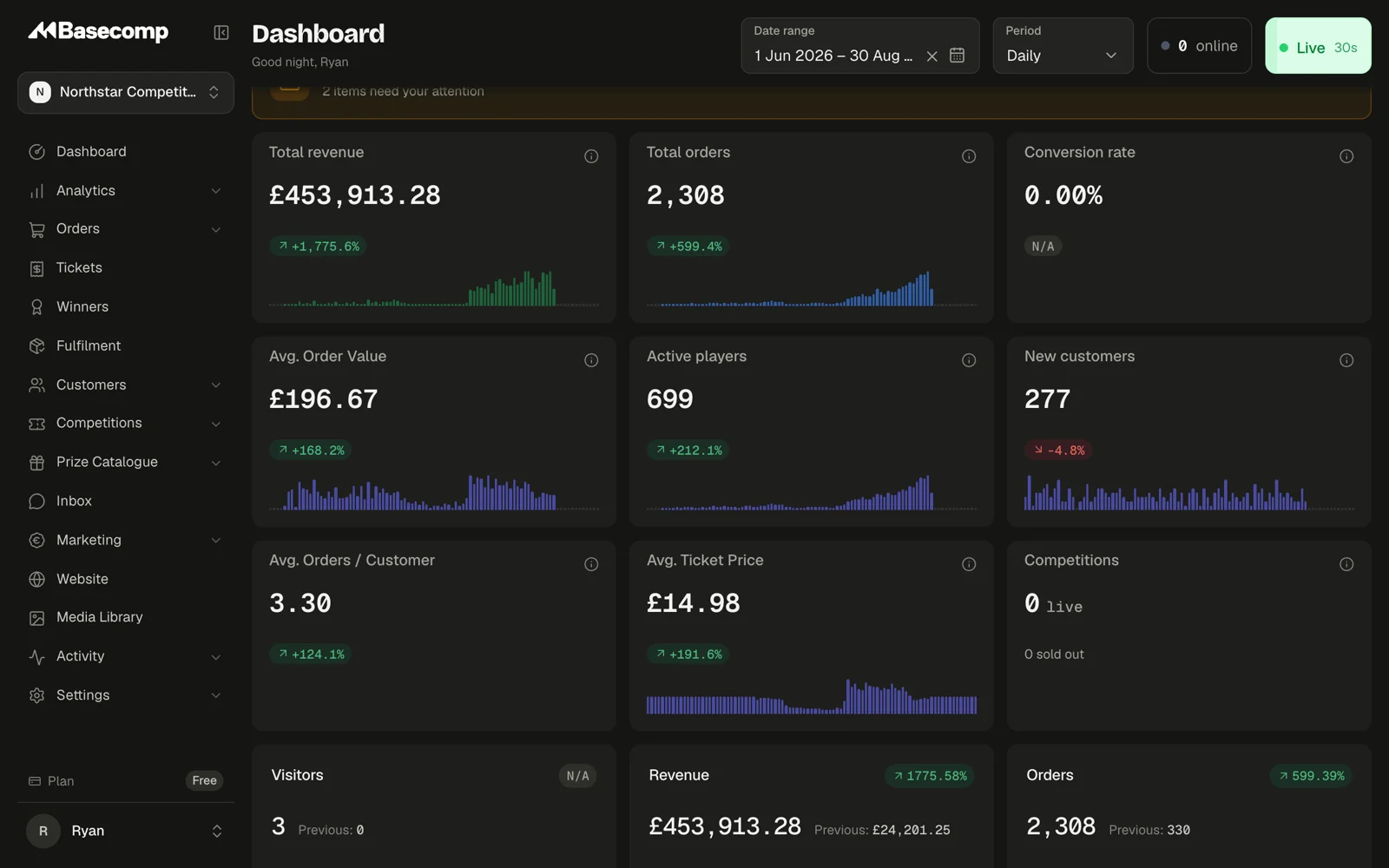
A redesigned dashboard, with dark mode and quick search#
The dashboard has a new look, a dark mode, a sidebar you can collapse and a search you open with Cmd+K (Ctrl+K on Windows) to jump to any page, order or customer.